
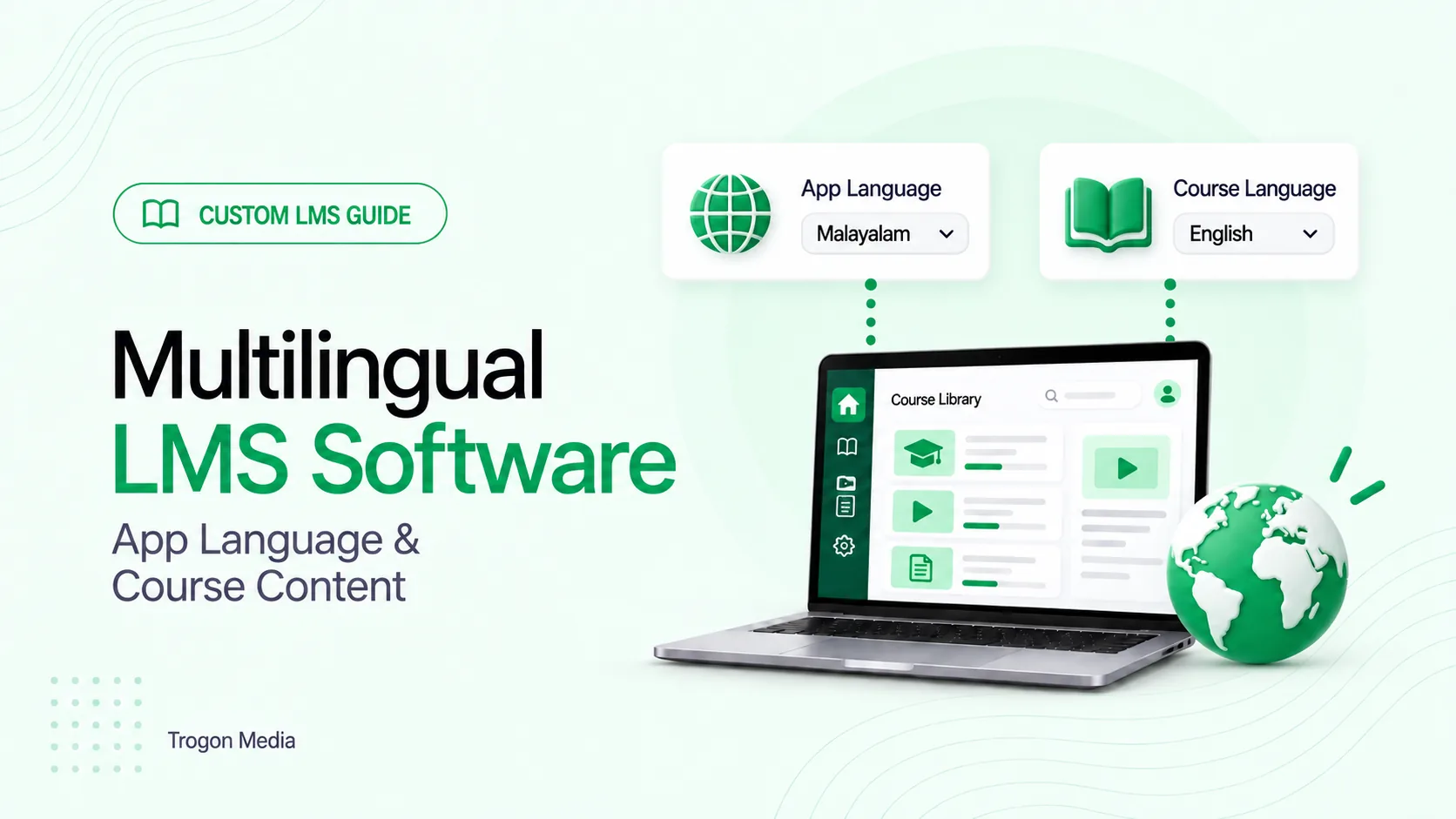
Consider a student who prefers Malayalam menus but studies from English notes. Another prefers Hindi course content. Their app settings and learning materials need to reflect those choices.
Your multilingual LMS software should let students choose the app language separately from the course language. Your institution then supplies approved content in the languages it offers, using linked versions of one course or separate courses according to its business model.
Before uploading anything, decide what each language choice should change.
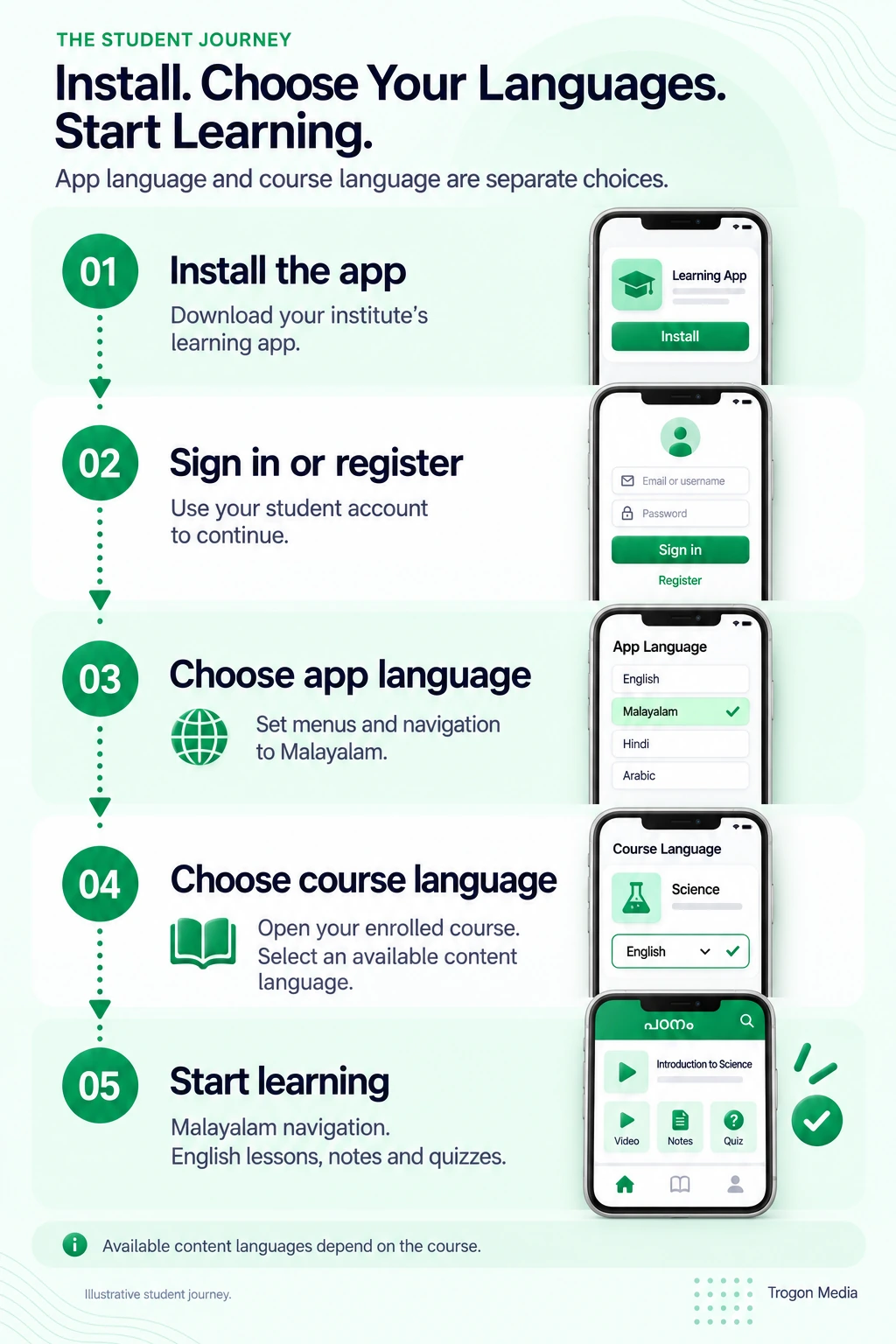
App language and course language serve different purposes
App language controls the words students use to find their way around the platform. Course language controls the material they study. Keeping these choices separate lets a student use familiar navigation without restricting the teaching language.
| Part of the experience | What needs a language version? | Example |
|---|---|---|
| App interface | Menus, buttons, instructions, and error messages | Malayalam navigation |
| Course content | Lesson text, notes, videos, and explanations | English teaching material |
| Assessments | Questions, options, feedback, and instructions | A Hindi version of an English quiz |
| Communications | Class alerts, reminders, and other messages | A message in the recipient’s preferred language |
This is a planning example, not a customer deployment.
Changing a menu label doesn’t translate an uploaded PDF. A student who selects Arabic navigation still needs an Arabic version of the notes if that is what they want to read.
For the app itself, prepare a list of the labels and messages that need translation. Include the less visible screens: forgotten passwords, empty course lists, upload errors, and confirmation messages. Assign someone to approve the wording in each launch language.
Decide communication preferences separately, too. If parents receive messages, establish whether their language follows the student’s setting or their own preference. Put that behaviour in the requirements before development.
Keep the choices clear on screen. “App language” and “Course language” are easier to understand than a single language selector whose effect changes from page to page.
How to prepare multilingual course content
Start with one complete lesson. Preparing every course at once makes it harder to notice that the notes are translated but the quiz explanations are still missing.
Make a content inventory before uploading. Here’s an illustrative example for a lesson offered in English and Malayalam:
| Material | English version | Malayalam version | Next action |
|---|---|---|---|
| Lesson title and description | Approved | Approved | Ready to upload |
| Teaching video | Recorded | Not recorded | Choose subtitles or a separate recording |
| PDF notes | Approved | Draft available | Teacher review |
| Quiz questions and options | Approved | Approved | Check equivalent meaning |
| Answer explanations | Approved | Missing | Prepare before publication |
Use a stable lesson reference when organising the files. For example, keep “Lesson 04” attached to both language versions even when their titles differ. That gives your administrator a clear way to match the materials.
Your institution can upload language-specific content through the admin panel. Agree on the supported upload formats and required fields during the build, especially for question banks and video subtitles.
A practical preparation sequence is:
- Choose the course and languages for the first release.
- List every lesson, resource, assessment, and explanation.
- Prepare or translate the missing material.
- Assign a teacher to review each language version.
- Upload approved content under the correct lesson and language.
- Preview the course using a student account.
Include the small details. A translated question needs its answer options and explanation checked alongside it. Your course description should tell students exactly which languages are available for teaching, written notes, practice questions, and final assessments.
Also decide who prepares the interface wording and who prepares the academic material. These may be different people. The person approving a navigation label may not be qualified to approve a physics explanation.
We recommend agreeing on this division before the first upload. It keeps publication from waiting on an unnamed reviewer.
One course in several languages, or separate courses?
Both arrangements can work. Choose according to what students buy and how you teach.
Use linked language versions for an equivalent course
Suppose your English and Hindi versions follow the same syllabus, with equivalent lessons and assessments that measure the same learning objectives. A single course can contain linked language versions, with shared enrolment and progress.
In that arrangement, a student remains enrolled in the same course when switching language. Completing a lesson in English should not create a second unfinished lesson simply because they later open the Hindi version.
Agree on the mapping first. If one English lesson becomes two shorter Hindi lessons, define what counts as completion before treating them as equivalents.
Assessment attempts need a separate decision. You might allow students to change the question language during practice, while fixing it once a timed exam begins. Write down the rule and test it.
Use separate courses when the offering is different
Separate courses can make sense when the language versions have different teachers, timetables, syllabuses, prices, or enrolment conditions.
For example, a recorded English course and a Malayalam course with scheduled live teaching may be different products. Treating them separately can make the purchase and access rules easier to explain.
The tradeoff is administration. Decide whether access to one course includes the other, and whether any progress should transfer. Don’t leave students to discover those rules after paying.
Trogon’s custom LMS development supports either arrangement according to the institution’s business model. The useful starting point is your enrolment and teaching workflow; you don’t need to put every language into the same structure.
If an existing platform already handles those rules, check its language settings before commissioning a new build. Our custom, white-label, and pre-built LMS comparison explains the broader choice.
Where AI translation fits into your LMS workflow
Your institution can supply approved translations. AI-assisted translation is another option, with the supported content types and review process agreed as part of the build.
Be specific about its scope. Translating editable lesson text, translating a scanned document, and producing a new video narration are different tasks. Ask which are included before planning the content schedule.
We recommend starting with material your teaching team can review against the original. Prepare a short glossary for subject terms, abbreviations, and words you want to retain in English.
For example, if students will sit an exam using English scientific terms, decide whether explanations should retain those terms alongside the translation.
Review effort should reflect the consequences of an error. Pay particular attention to:
- Questions containing negatives, such as “Which statement is not correct?”
- Numerical values, units, formulas, and answer keys.
- Subject terminology with more than one possible meaning.
- Assignment instructions, deadlines, and marking criteria.
Read a translated question together with its answer options. Correct wording in isolation is not enough if two options now mean the same thing.
For video, choose the experience you want to provide: original audio with translated subtitles, a separately recorded lesson, or a separately scoped narration workflow. W3C distinguishes same-language captions from subtitles translated into another language. W3C captions and subtitles guidance
Automatic captions also need checking against the recording. W3C notes that recognition errors can change the meaning of the spoken content. Check timing and terminology before using those captions as the basis for translation. W3C guidance on automatic captions
Before requesting a quote, prepare one sample lesson with its video, notes, quiz, and required languages. It gives you something concrete to discuss when agreeing on translation and review work.
What to test before publishing another language
Test a complete student journey using your actual material. An app-language selector on the login screen demonstrates only one part of multilingual LMS software.
Language selection and missing content
Choose Malayalam for the app and English for the course. Work through the lesson. Confirm that each setting affects the intended parts of the experience.
Next, try a lesson with no version in the selected course language. Agree on the intended behaviour: show a clearly labelled original-language resource, explain that the translation is unavailable, or hold publication until it is ready.
Make that choice visible to the student.
Progress and assessments
Complete a lesson, switch its language, then return to the course overview. In the linked-version model, check that completion remains correct.
Try the same process with a quiz. Verify saved answers, attempt counts, scores, and the agreed rules for changing language during an attempt.
Arabic and mixed-language screens
Arabic support needs checks for text direction as well as translated wording. W3C explains that declaring the language of a web page does not automatically establish the direction of its text. W3C right-to-left text guidance
Use an Arabic question containing an English term, a number, and punctuation. Check the question, every answer option, and the result screen, followed by any tables or input fields.
Repeat the checks on the devices your students use. If you offer both browser and mobile access, include both in the test plan. The LMS mobile app versus web app guide can help you decide which experiences belong in the first release.
Changes after publication
Correct an original-language lesson and follow the update through its other versions.
Assign a reviewer who can identify which translations need changes and check the revised material before approving it for publication. Specify whether the LMS tracks those tasks or your team maintains a separate checklist.
Keep a record of what changed. Otherwise, a corrected question in one language can remain unchanged in another without the teaching team noticing.
Plan your multilingual LMS around one real course
Trogon Media builds custom LMS platforms with Arabic, Malayalam, Hindi, and English support. We plan app and course languages separately, and structure language versions around how your institution enrols and teaches students.
Bring one representative course to the requirements discussion. Include its available content, missing translations, required languages, and whether students should share enrolment and progress across versions.
That example helps define the admin upload process, student choices, translation work, and checks needed before launch.
Tell us which languages your students use and how your courses are organised.
Plan your multilingual LMS
Connect with us to build a multilingual LMS for your institution
Share your required languages and one sample course. We’ll help you plan app settings, course versions, content uploads, and translation review.
Connect on WhatsApp