
Launching a custom learning management system is not simply a matter of finishing development and opening enrolment. A platform may be technically available yet still be unprepared for learners, administrators, payments, live classes, or support requests.
A reliable launch brings the product and the education business into readiness together. It requires a focused first release, complete learning journeys, tested integrations, trained administrators, and an improvement plan.
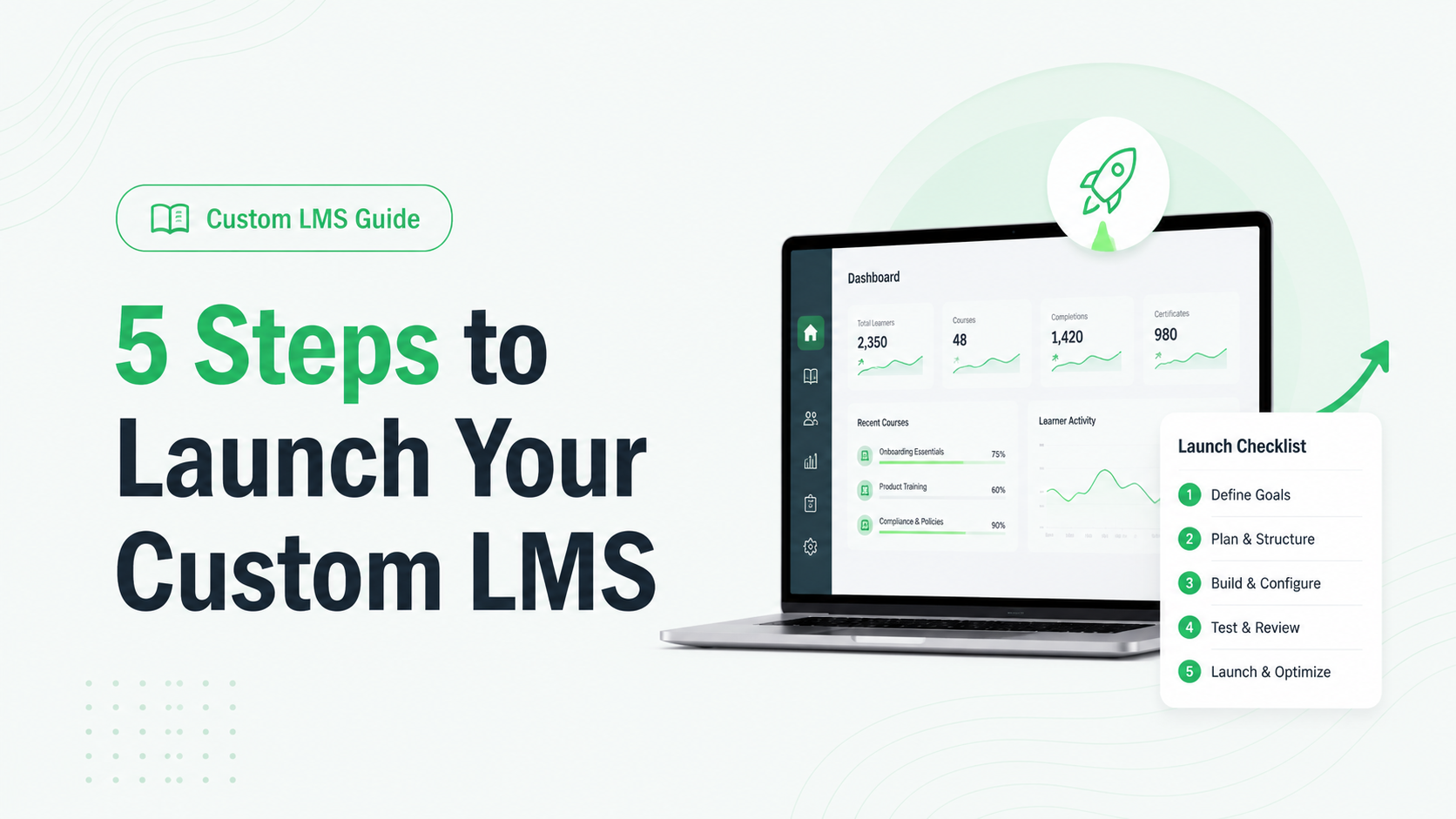
If you are deciding how to launch a custom LMS, use these five steps:
- Define the launch goal and first-release scope.
- Map learner, administrator, and content workflows.
- Build the platform, integrations, and migration plan.
- Test with real users and prepare operations.
- Launch in stages, measure results, and improve.
Each step is a readiness gate. Moving forward should depend on clear evidence that the previous gate is complete, not only on a date in the project calendar.
1. Define the Launch Goal and First-Release Scope
Start by deciding what the first version of your LMS must achieve for the business and its learners. “Launch an LMS” is too broad to guide product decisions. A better goal might be to enrol the first coaching batch, sell a new recorded course, manage a certificate programme, or move an existing learner group away from manual delivery.
Your launch goal should answer four questions:
- Who will use the first release?
- What must those users be able to complete?
- Which result will show that the release is working?
- Who is responsible for each part of the launch?
For example, a competitive-exam coaching business may initially need registration, batch allocation, video lessons, test series, results, and payment confirmation. Discussion forums, advanced gamification, or broader reporting may be valuable without needing to delay the first cohort.
A minimum viable product, or MVP, is the smallest complete LMS that can deliver a useful learning outcome. Every essential workflow must work from beginning to end; additional capabilities can follow in a prioritised roadmap.
Finish this stage with an approved requirements document containing the launch audience, core workflows, first-release features, integrations, content volume, responsibilities, acceptance criteria, and post-launch priorities. It becomes the reference point for design, development, testing, and scope decisions.
2. Map Learner, Administrator, and Content Workflows
A feature list describes what the LMS contains. A workflow shows whether people can actually use it.
Begin with the learner journey. Map the steps from discovery or invitation to registration, payment, enrolment, course access, assessments, results, certificates, and support. The exact sequence will depend on your education model. A school, coaching institute, individual tutor, and course marketplace will not need the same experience.
Then map the work behind that journey. Administrators and instructors may need to:
- Create courses, batches, lessons, and tests.
- Assign learners and manage access periods.
- Schedule live classes and publish recordings.
- Review submissions or release results.
- Issue certificates.
- Handle refunds, access problems, and learner questions.
- View the information required to run the business.
These operational journeys reveal requirements that learner-facing feature lists often miss. A test might work for the learner while its result-review process remains unclear for the academic team.
Content needs its own launch plan. List what the first cohort requires and confirm each item's owner, format, status, and destination. If you are moving from another platform, decide what to migrate or archive and how historical records will be checked.
3. Build the Platform, Integrations, and Migration Plan
Once the journeys and first-release scope are clear, the development team can build around real business requirements rather than assumptions.
This stage covers more than screens and features. It includes roles and permissions, data structure, hosting, integrations, notifications, analytics, backup and recovery planning, and test environments. Performance and capacity targets should reflect expected learner behaviour—for example, whether many users may begin the same timed test together—rather than a vague request for “scalability.”
List every system the LMS must connect with. Depending on the business, this may include a payment gateway, video provider, live-class tool, messaging service, CRM, identity provider, or accounting system. Define what data moves, in which direction, how often it moves, and what should happen when the connection fails.
When external learning tools are involved, a standard learning tool may provide a consistent integration approach. Whether it is appropriate depends on the tools and technical scope, so it should be decided during planning rather than assumed at launch.
Test data migration with a small representative set before moving all records. Check identities, access, completion history, assessment results, dates, and duplicate accounts. Decide how to reconcile incomplete records and whether the old platform must remain accessible during the transition.
Before development is complete, confirm that the agreed workflows, integrations, content, and data behave together in a production-like environment.
4. Test With Real Users and Prepare Operations
Internal quality assurance can find technical defects, but a pilot reveals whether the LMS makes sense to the people who will use and manage it.
Create tests from the workflows defined earlier. Do not test only whether a button responds. Test whether a learner can register, pay, receive the right access, complete a lesson, submit an assessment, view the correct result, and get help when something goes wrong. Test administrative journeys with the staff members who will perform them after launch.
Your launch review should cover:
- Core functions and end-to-end workflows.
- Permissions for learners, instructors, administrators, and other roles.
- Mobile, tablet, and desktop experiences.
- Content playback, downloads, assessments, and certificates.
- Payment, live-class, communication, and reporting integrations.
- Accessibility with both automated checks and human evaluation.
- Security controls, error handling, backups, and recovery procedures.
- Performance under the agreed workload and infrastructure.
Security should have defined acceptance criteria rather than a general instruction to “make the LMS secure.” The final requirements must still reflect the data, users, architecture, and risk profile of the individual project.
Run a pilot with learners using different devices and levels of technical confidence, along with instructors and administrators. Give them realistic tasks and record where they hesitate, fail, or need help. Turn the feedback into specific decisions, owners, and deadlines.
Alongside testing, train administrators, document recurring tasks, assign launch monitoring, and create a simple support route. Set go/no-go criteria so commercial pressure does not turn unresolved blockers into learner problems.
5. Launch in Stages, Measure Results, and Improve
A staged launch limits risk and gives the team time to learn from real usage. You might begin with one course, branch, batch, or invited learner group before opening the LMS to the full audience.
During the first stage, monitor the complete learner path. Useful indicators may include registration completion, first login, successful enrolment, course starts, lesson progress, assessment submissions, payment failures, and support requests. The right measures depend on the launch goal established in step one.
Combine platform data with feedback from learners, instructors, administrators, and support staff. Frequent access questions may point to unclear communication, an interface problem, incorrect permissions, or an integration failure—each requiring a different response.
Separate post-launch work into three groups:
- Urgent fixes: Problems affecting access, payments, learning delivery, assessment integrity, data, or essential administration.
- Usability improvements: Changes that reduce confusion or unnecessary effort without blocking the learning journey.
- Roadmap additions: New capabilities that were deliberately left outside the first release.
The launch is complete when the LMS has entered a stable operating cycle—not when the first learner logs in. Maintenance, monitoring, content updates, support, and planned improvements keep the platform useful as courses, teams, and enrolments grow.
Custom LMS Launch Checklist
| Stage | Ready to proceed when |
|---|---|
| Goal and scope | The first audience, business outcome, essential workflows, owners, success measures, and acceptance criteria are approved. |
| Journeys and content | Learner and administrator workflows are mapped, and first-release content has a clear owner and status. |
| Platform and integrations | The agreed features, permissions, integrations, migration, infrastructure, and recovery approach work together. |
| Testing and operations | Critical workflows pass, pilot feedback is resolved or prioritised, administrators are trained, and launch support is ready. |
| Rollout and improvement | The first cohort, monitoring responsibilities, success indicators, escalation route, and post-launch backlog are defined. |
If one of these stages is incomplete, changing the launch date may be safer than moving the risk to your learners and operating team.
Build Launch Readiness Into Your Custom LMS Project
Custom development is a strong fit when your education business needs specialised learning workflows, distinctive branding, deep integrations, or greater control over how the platform grows. A standard platform may be the more practical choice when the requirements are simple, and its existing workflows already fit the business.
For the right custom project, Trogon Media connects planning, UI/UX design, development, integrations, deployment, maintenance, and scaling support in one delivery process. The result is a dedicated LMS designed around your operating model, without vendor-imposed limits on users, courses, or content.
Trogon Custom LMS is delivered within 30 days. The appropriate architecture, infrastructure, performance targets, integrations, and rollout plan depend on the agreed technical scope and expected workload.
Plan your launch
Prepare Your Custom LMS for Its First Learners
If you are preparing a new education platform or replacing an LMS that no longer fits your business, book a Custom LMS Consultation with Trogon Media. We will help you turn your requirements into a focused launch plan and a platform ready for its first learners.
Book a Custom LMS consultation